
Can You Use a Robot Vacuum Without Wi-Fi?
Think through the buttons and scheduling you need if you prefer a simpler setup or have unreliable home internet.
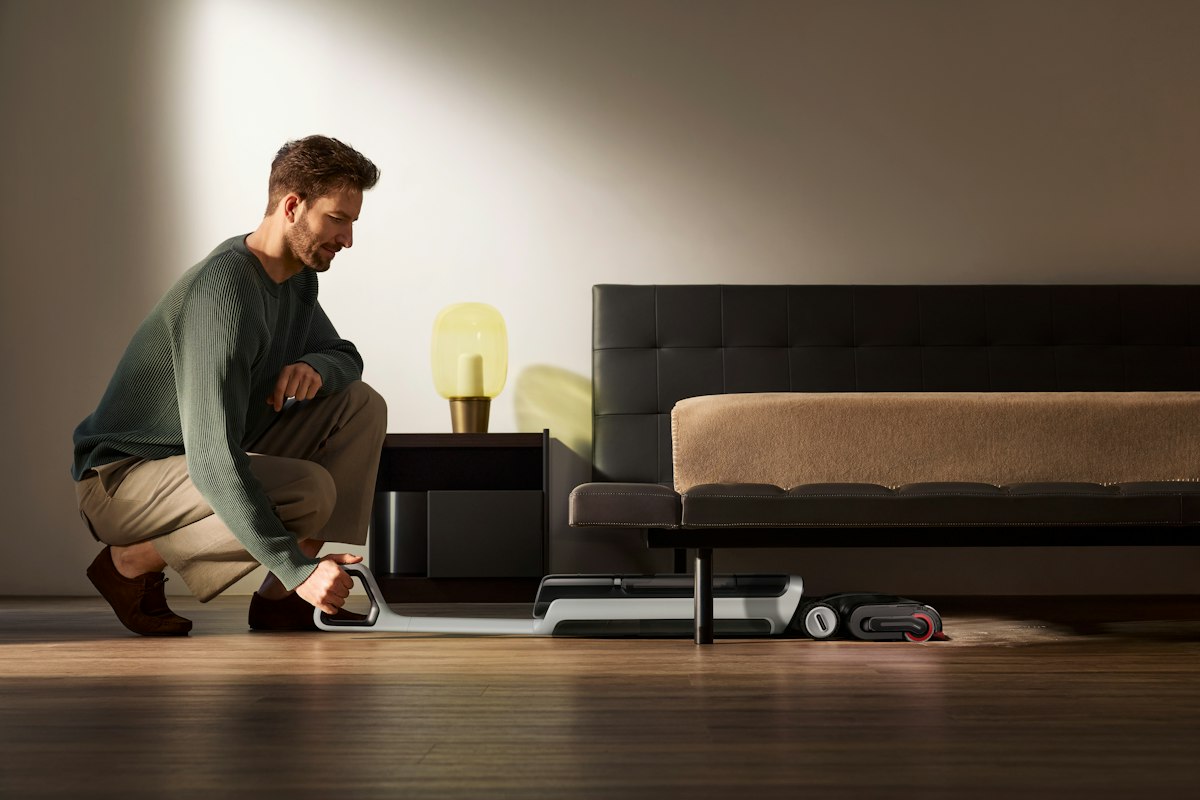
A guest room or second home may not have a stable Wi-Fi connection. A local start button can still be useful, while app-only controls may make everyday operation inconvenient.
Start with the room and routine
A guest room or second home may not have a stable Wi-Fi connection. A local start button can still be useful, while app-only controls may make everyday operation inconvenient. The right fit depends on how often you clean, where the appliance can live, and which jobs you want it to handle between deeper cleans.
Buyers who want straightforward controls or use the vacuum where Wi-Fi is limited. If that sounds like your household, write down the two or three rooms you would use it in first and how often you would start a run.
What to compare before buying
Check the manufacturer’s manual for offline operation, physical controls, initial setup requirements, and whether maps or schedules need an account connection.
- Check the physical dimensions against your storage or furniture clearances.
- Read the manual for surface compatibility, cleaning steps, and replaceable parts.
- Compare retailer return terms and availability for filters, bags, rollers, or batteries.
Some smart features, room selection, and remote scheduling may be unavailable without an app connection. Verify the exact model documentation before purchase.
A sensible shortlist for this situation
A model whose basic clean and dock functions are explicitly documented for offline use. Compare two or three products on the same points rather than being swayed by a long feature list. Start with whether the model fits your floor type, reaches the rooms you care about, and can be maintained without hassle.

Questions to ask on the product page
Confirm what is included in the box, which accessories are optional, what parts need regular replacement, and how the maker describes the product’s limitations. Features and availability change, so use the current manufacturer and retailer listing before you decide.
Compare current robot vacuums options
Use the guide above to narrow down the features that matter to your home, then verify dimensions, included accessories, current availability, and return terms.
View current options on Amazon ↗Retailer search link; not an affiliate link. Product range and pricing may change.Who this approach suits
This guide is most useful for buyers who want straightforward controls or use the vacuum where wi-fi is limited. It may be less useful if your main need is a specialized cleaning task not covered in the maker’s product documentation. For hard floors, rugs, and delicate finishes, check the flooring manufacturer’s care instructions too.
Frequently asked questions
What should I check before ordering?
Confirm the dimensions, included tools, floor compatibility, maintenance steps, and return terms on the current product listing. For this guide, start with: Check the manufacturer’s manual for offline operation, physical controls, initial setup requirements, and whether maps or schedules need an account connection.
Does a higher feature count always mean a better fit?
Not necessarily. Features add value only when they address a recurring need in your home. Compare the upkeep, placement, noise, and ongoing supplies alongside the functions you expect to use.
VacuumVs does not claim hands-on testing for products in this guide. We explain what to verify using published information and practical home considerations. Always confirm current specifications with the manufacturer.